AI Marketing, Lead Generation, & Growth Strategies
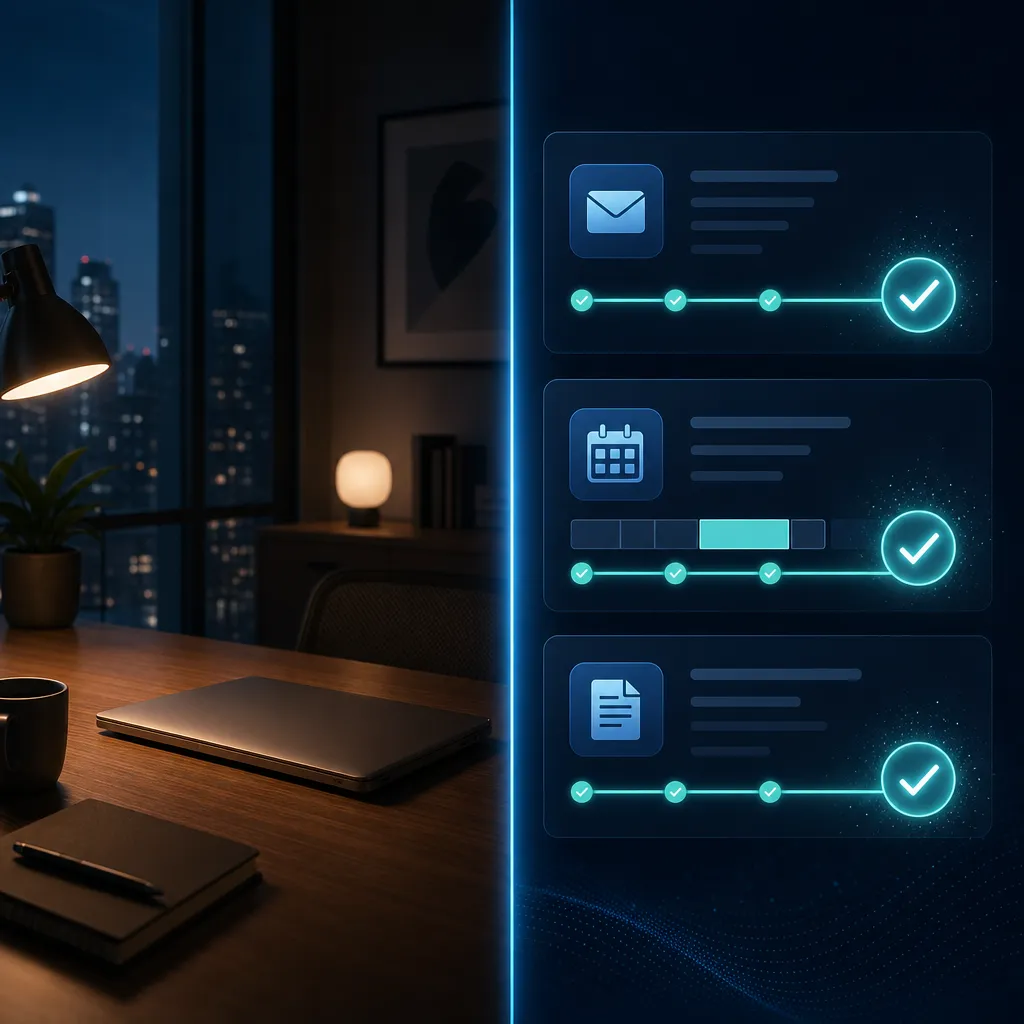
Your AI Is Now Working While You Sleep: A Business Guide to Always-On AI Agents
The AI Assistant Just Got an Upgrade - It No Longer Waits for You
For the past few years, AI assistants have worked the same basic way: you open an app, type a request, and the AI responds. Then you close the app and move on. The AI does nothing until you ask again.
That era is over.
In 2026, the three biggest names in AI - Google, Anthropic, and OpenAI - have each launched what the industry is calling always-on AI agents. These are not chatbots you consult. They are autonomous assistants that run in the background, execute multi-step tasks on your behalf, connect to your tools and apps, and deliver finished results - whether you are at your desk or sound asleep.
If you run a business, manage a team, or just want to reclaim hours in your week, it is worth understanding what these agents can actually do - and which one might fit your work.

What Is an Always-On AI Agent?
A traditional AI assistant is reactive. You open it, ask something, get a response. It stops when you stop.
An always-on AI agent is different. It runs continuously on cloud servers, monitors your connected apps, and takes action based on goals you have set. You do not have to be present or prompt it repeatedly. You give it a task or set a recurring schedule, and it executes.
Think of it less like a search engine and more like a capable team member who works overnight and leaves a complete report on your desk by morning.
Three major platforms now offer this capability:
Google Gemini Spark - announced at Google I/O in May 2026
Anthropic Claude Cowork - generally available since April 9, 2026
OpenAI ChatGPT Work - launched July 9, 2026
Google Gemini Spark: Your Agent Lives in Google's Cloud

Gemini Spark is Google's most ambitious AI product of 2026. Unveiled at Google I/O in May, it is a personal AI agent that keeps running on Google's cloud infrastructure even after you close your laptop. Unlike a standard chat assistant, Spark runs persistently in the background - proactively managing tasks like inbox triage, document compilation, and calendar coordination without waiting for you to prompt it.
What Makes Spark Different
The key distinction is architecture. Spark does not run on your device. It runs on dedicated virtual machines on Google Cloud, which means it continues executing tasks even when your phone and laptop are turned off. Because it connects to Gmail, Google Calendar, Drive, Docs, Sheets, and Slides through native APIs, it is highly reliable for users already in the Google ecosystem. You can email Spark directly through a dedicated Gmail address, just like messaging a colleague. It can also browse the web and monitor your inbox on a recurring schedule.
What It Can Do for Your Business
Every Monday, scan your inbox, summarize important emails, and block calendar time for focused work
Draft a status update email by pulling facts from your emails, docs, and spreadsheets automatically
Create and maintain a live project tracker in Google Sheets, pulling data from email threads and calendar events
Watch your inbox so you never miss a customer question - and draft a reply for your review
Google also introduced an Agent Payments Protocol, letting users set rules governing what Spark can purchase - restricting it to specific merchants, categories, or dollar limits. Spark pauses and asks for your confirmation before sending external emails, making purchases, or taking other consequential actions.
Availability and Pricing
Gemini Spark is currently available to Google AI Ultra subscribers in the United States at $100 per month, including priority access, higher usage limits, and 20TB of cloud storage. Google has signaled it is expanding access to more users and businesses globally.
Small businesses are using Spark. They can watch over their inbox, so they never miss a question from a customer. - Josh Woodward, VP of the Gemini App, Google Labs
Anthropic Claude Cowork: Your Agent Lives at Your Desk
Claude Cowork launched in January 2026 and became generally available to all paid users on April 9, 2026. Rather than running exclusively in the cloud, it operates through the Claude Desktop app on macOS and Windows, giving it direct access to local files, folders, and applications on your computer. As of July 7, 2026, Cowork also runs scheduled tasks remotely on Anthropic's servers - so they execute even when your device is offline.
What Makes Cowork Different
Where Gemini Spark is strongest in the Google cloud ecosystem, Claude Cowork excels when your work lives on your own machine. It can read files from local folders, edit documents in place, work across your desktop apps, and return real completed documents - not just summaries or drafts. Think of it as a capable colleague sitting at your desk, reaching directly into your folders and applications.
Real-World Usage Data
Anthropic has published usage data from 1.2 million Cowork sessions across more than 600,000 organizations. The results reveal what knowledge workers actually use agents for most:
33.4% - Business process and operations: finance, HR, admin, and reporting
16.4% - Content creation
8.7% - Software development
The takeaway: the most common use is not writing code or generating creative content. It is handling the repetitive operational work that quietly drains productivity every week - reconciling spreadsheets, pulling scattered updates into a single report, building onboarding checklists, turning receipt screenshots into expense reports.
Connecting to Business Tools
Cowork connects to hundreds of business tools through Anthropic's MCP (Model Context Protocol) integrations, covering apps like Microsoft 365, Salesforce, Notion, and Dropbox. Pre-built bundles for Legal, Small Business, and Marketing Ops let non-technical users click into a working agent workflow with no configuration required.
OpenAI ChatGPT Work: Your Agent Across Cloud and Desktop
ChatGPT Work launched on July 9, 2026, powered by GPT-5.6. It works both in the cloud and on your local machine, giving users flexibility depending on where their work lives.
What Makes ChatGPT Work Different
ChatGPT Work's strongest advantage is connector breadth. At launch, it supports over 1,400 connectable apps including Slack, Gmail, Google Drive, Salesforce, HubSpot, and dozens of project management tools. You can mention tools mid-task using the at-mention system. It delivers finished outputs in the form of spreadsheets, slide decks, reports, or publishable web apps - not just text answers.
ChatGPT Work includes event-triggered scheduled tasks, meaning it can fire automatically when specific conditions are met - not just at set times. A limited version is available to free users through the desktop app, making it the most accessible of the three platforms.
How the Three Compare: A Quick Business Guide

FeatureGemini SparkClaude CoworkChatGPT WorkWhere it runsGoogle Cloud (always-on)Desktop app and Anthropic cloudCloud and desktopBest forGoogle Workspace usersLocal files and Office docsBroad SaaS and cloud toolsApp integrations30+ Google-native and partnersHundreds via MCP1,400+ appsPricing entry point$100/mo (US, AI Ultra)Paid Claude plansFree tier available (limited)Scheduled tasksTime-based and conditionalRecurring schedulesEvent-triggered and time-based
Which One Should You Try?
Choose Gemini Spark if your business runs primarily on Gmail, Google Calendar, Docs, and Drive - and you are ready to invest in the Ultra subscription. The cloud-native architecture means it truly never stops.
Choose Claude Cowork if your work lives in local files, Word documents, or Excel spreadsheets - or if you want a no-configuration starting point through the pre-built Small Business bundle.
Choose ChatGPT Work if you use a broad mix of cloud SaaS tools like Salesforce, HubSpot, or Slack - or you want the most accessible entry point, since a limited version is available on the free plan.
What This Means for Your Business Right Now
The shift from asking AI a question to delegating actual work to AI is not a future trend. It is happening now, with three production-ready tools already available.
Repetitive Admin Work Gets Automated
Based on Anthropic's data across more than a million Cowork sessions, the most common use cases are not glamorous - they are the repetitive tasks that quietly drain productivity every week: reconciling spreadsheets, pulling scattered project updates into a single report, building onboarding checklists, drafting routine responses. These are exactly the tasks that always-on agents handle best.
Your Inbox Can Work While You Are Away
All three agents can monitor email, flag important messages, draft responses, and organize inboxes on a schedule you set - not just when you open the app. For a small business owner who cannot afford to miss a customer inquiry or a new lead, this is genuinely useful. The AI watches the inbox, prioritizes urgently, and surfaces only what needs human attention.
The Work-While-You-Sleep Promise Is Now Literal
Both Gemini Spark and the updated Claude Cowork run on cloud servers, executing tasks without any device needing to be on. You can set up a Friday reporting workflow, a Monday morning inbox digest, or a lead triage process - and it runs whether you are online or not.
A Small Team Can Supervise Multiple Agents From a Phone
Smaller businesses without dedicated AI staff may find the mobile review pattern especially useful - one person can oversee several running agents from a phone between meetings, rather than staying tied to a desktop. This is delegation at a scale that was not practical just a year ago.
A Few Honest Cautions
They are still evolving. All three launched within the past several months. Expect refinements and feature changes as each platform matures.
You stay in control. Every agent here is designed to pause and ask for your approval before taking high-stakes actions like sending external emails or making purchases.
Ecosystem fit matters. An agent that does not connect to the tools you actually use will not save you much. Map your daily apps before choosing a platform.
Privacy and data access deserve a close read. These agents connect to your email, files, and business tools. Review each platform's data practices before connecting sensitive information.
How This Connects to Your CRM and Automation Stack
Always-on agents are most powerful when they connect to the systems where your business data lives - your CRM, your pipeline, your customer communications. An agent that can watch for new leads, update contact records, trigger follow-up sequences, and surface priority conversations is not just a productivity tool. It becomes part of your sales and service operation.
At ResProAI, we help businesses build automation systems that work the same way - keeping your pipeline active, your follow-up consistent, and your customer communications moving - without requiring constant manual attention. As AI agents become more capable of connecting into CRM workflows and marketing pipelines, the opportunity for businesses to run smarter and leaner grows significantly.
Ready to Put AI to Work for Your Business?
If you are curious about where AI automation fits in your business - from CRM workflows and lead management to customer communications and follow-up systems - explore what ResProAI can help you build. The best starting point is identifying one repetitive process in your week and asking: could an AI agent handle this while I focus on something that actually needs me?
In 2026, the answer is probably yes.
Sources: DataCamp (May 20, 2026) | TechCrunch (May 19, 2026) | How Do I Use AI (July 24, 2026) | UseCarly (July 2026) | BigAIAgent.tech (July 10, 2026)
Company
Get In Touch
Legal
Follow us


